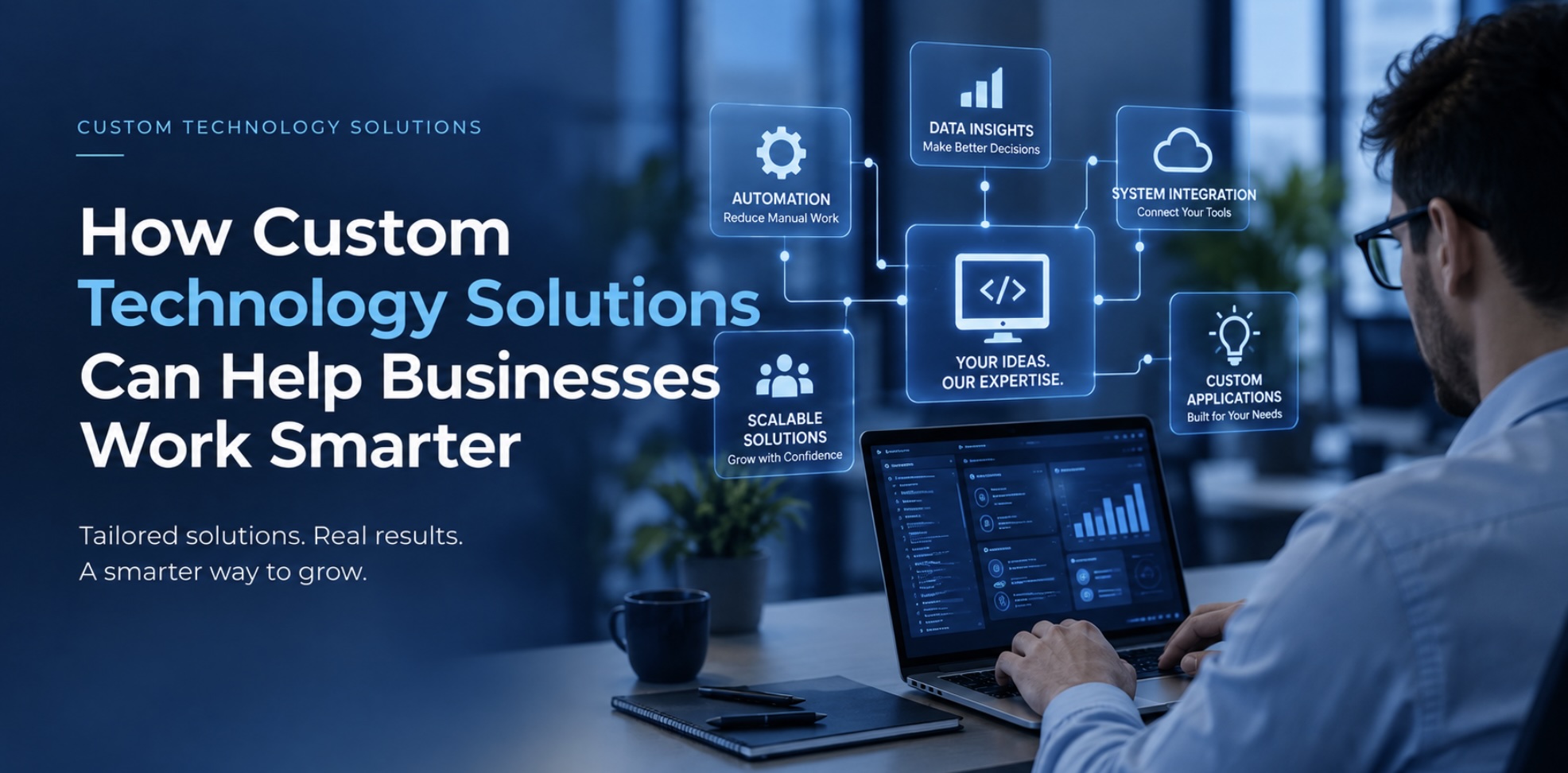
Every business has unique goals, processes, customers, and challenges. Yet many organizations rely on the same standard software tools and technology systems regardless of how closely those tools actually fit their operations.
Off-the-shelf software can be extremely useful. It can provide businesses with accounting, communication, project management, customer relationship management, and other essential capabilities.
However, there are situations where standard tools are not enough.
When a business has unique requirements, custom technology solutions can help connect systems, automate repetitive processes, improve data management, and create workflows designed around the organization’s specific needs.
What Are Custom Technology Solutions?
Custom technology solutions are systems or applications designed to address specific business requirements.
Instead of asking the business to change its processes to fit a particular piece of software, custom technology can be developed or configured around the way the organization actually works.
Depending on the organization, a custom solution might involve:
- Business applications
- Data management systems
- Internal dashboards
- Workflow automation
- System integrations
- Custom reporting
- Customer portals
- Employee platforms
- Database solutions
- Specialized business tools
The right solution depends entirely on the organization’s needs.
Identify the Problem Before Choosing the Technology
One of the biggest mistakes businesses can make is starting with technology instead of the problem.
For example, a company may think it needs a new application when the real issue is that several existing systems do not communicate with each other.
Another business may believe it needs more employees to manage administrative work when automation could reduce the amount of manual effort involved.
Before selecting or developing a technology solution, businesses should first understand the existing workflow.
Ask questions such as:
- What tasks take the most time?
- Where are employees repeatedly entering information?
- Which processes depend on spreadsheets?
- Where do errors commonly occur?
- Which systems need to share information?
- What reports are difficult to create?
- What information is difficult to find?
These questions can reveal opportunities for improvement.
Automation Can Reduce Repetitive Work
Many businesses spend significant amounts of time performing repetitive administrative tasks.
Employees may manually transfer information between systems, create recurring reports, send routine notifications, update spreadsheets, or perform other tasks that follow predictable processes.
Automation can help reduce this workload.
For example, when information is entered into one system, an automated workflow might send the appropriate notification, update another system, generate a record, or trigger a follow-up task.
This can reduce repetitive work while allowing employees to focus on activities that require human judgment and creativity.
Better Data Leads to Better Decisions
Data is another major reason businesses invest in technology solutions.
Organizations collect information from many sources, but collecting data is only the beginning. Businesses also need practical ways to organize, analyze, and understand that information.
A custom dashboard or reporting system can bring relevant information together in one place.
Instead of searching through multiple spreadsheets or applications, decision-makers may be able to view important metrics through a centralized interface.
Depending on the business, this could include:
- Sales performance
- Customer activity
- Operational metrics
- Financial information
- Project progress
- Inventory information
- Employee performance
- Marketing results
The purpose is not simply to create attractive dashboards. The goal is to make useful information easier to access and understand.
Integrating Existing Systems
Businesses often use multiple software platforms.
For example, a company might use one platform for customer management, another for accounting, another for email marketing, and another for internal operations.
When these systems operate independently, employees may need to enter the same information multiple times.
System integration can help reduce this duplication.
When appropriate, integrations can allow information to move between platforms automatically, creating a more connected technology environment.
This can improve efficiency and reduce the risk of human error.
Technology Should Support Employees
A good technology solution should make work easier—not create additional complexity.
When designing or implementing a new system, businesses should consider the people who will actually use it.
A technically powerful platform can still fail if employees find it confusing or difficult to use.
That is why user experience, training, documentation, and support are important parts of technology implementation.
Employees should understand why the new system is being introduced and how it will improve their daily work.
Custom Solutions Can Support Business Growth
Technology requirements often change as businesses grow.
A process that works when a company has ten employees may become difficult to manage when the organization has fifty or one hundred employees.
Custom technology can provide greater flexibility when business processes become more complex.
A well-planned solution can potentially support additional users, new workflows, more data, new locations, or additional integrations.
The key is to design with future requirements in mind rather than solving only today’s problem.
Security and Data Protection Must Be Considered
Custom technology should also be developed with security in mind.
Businesses need to consider who can access information, how sensitive data is stored, how users authenticate, and how information is transferred between systems.
Access controls should be designed around actual business responsibilities.
Sensitive information should also be handled according to applicable legal, regulatory, contractual, and organizational requirements.
Security should be considered throughout the technology lifecycle rather than added as an afterthought.
When Should a Business Consider Custom Technology?
Custom technology may be worth considering when:
- Existing software does not meet important business requirements.
- Employees spend excessive time on repetitive tasks.
- Multiple systems need to communicate.
- Important data is scattered across different platforms.
- Manual processes regularly create errors.
- Management lacks clear visibility into important information.
- The organization has specialized workflows.
- Existing technology does not scale effectively with growth.
However, custom development is not always the answer.
Sometimes the best solution is to properly configure an existing platform, replace an outdated system, or integrate two established tools.
A professional technology assessment can help determine which approach makes the most sense.
Start With Business Goals
The most effective technology projects begin with business objectives.
Rather than asking, “What technology should we buy?”, businesses should ask:
“What are we trying to improve?”
Once the goal is clear, technology can be evaluated based on its ability to solve that specific problem.
The objective might be to reduce administrative work, improve customer service, gain better visibility into data, increase operational efficiency, or create a more scalable workflow.
Technology becomes much more valuable when it is directly connected to measurable business outcomes.